Learning materials are prepared 2× faster
I brought the design-system approach from the product to learning content for 16 subjects
8 h → 4 h
per lesson (2 lessons a day instead of 1)
4 → 2 mo.
to design materials for a course launch
20 → 8
designers allocated to the product
~100 · 16
components · modes — one file for all subjects
Context
JUZ40 had a separate design department, and I worked closely with the graphic designers. Besides marketing, they owned internal products: course presentations, student workbooks and other learning materials.
16
subjects
6–9 mo.
of materials for each subject
20
graphic designers assembled it all by hand
Everything was put together by hand. The same card (photo, title, description) was redrawn from scratch in each of the 16 subjects.
Key decisions
Components, not page templates
Problem
The graphic designers had never worked with components before.
Options
Build ready-made templates of whole pages straight away?
Decision
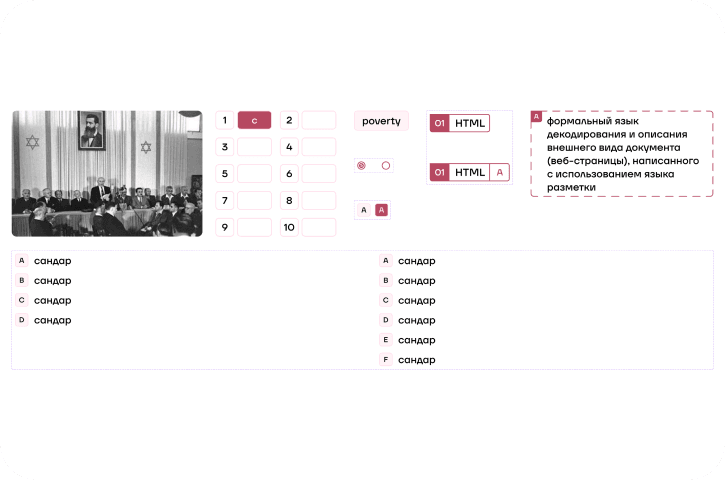
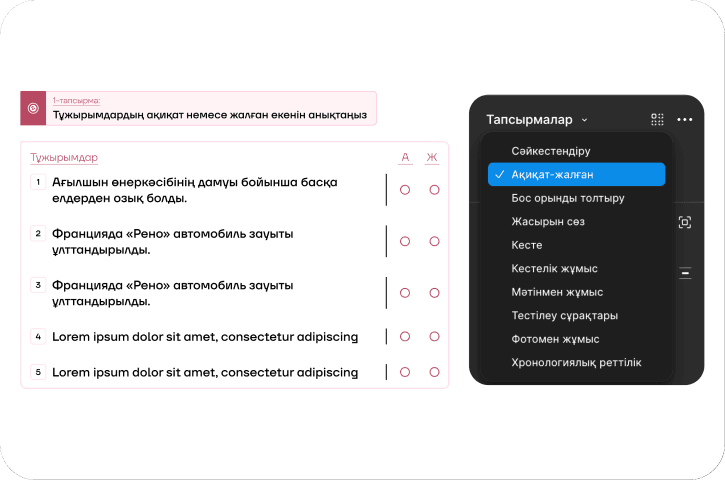
I found the patterns that repeat across all 16 subjects and turned them into simple components, about 100 of them. I deliberately skipped page templates.
Why?
The users had no experience with components, so I rolled the system out gradually: basic elements that are easy to learn came first.
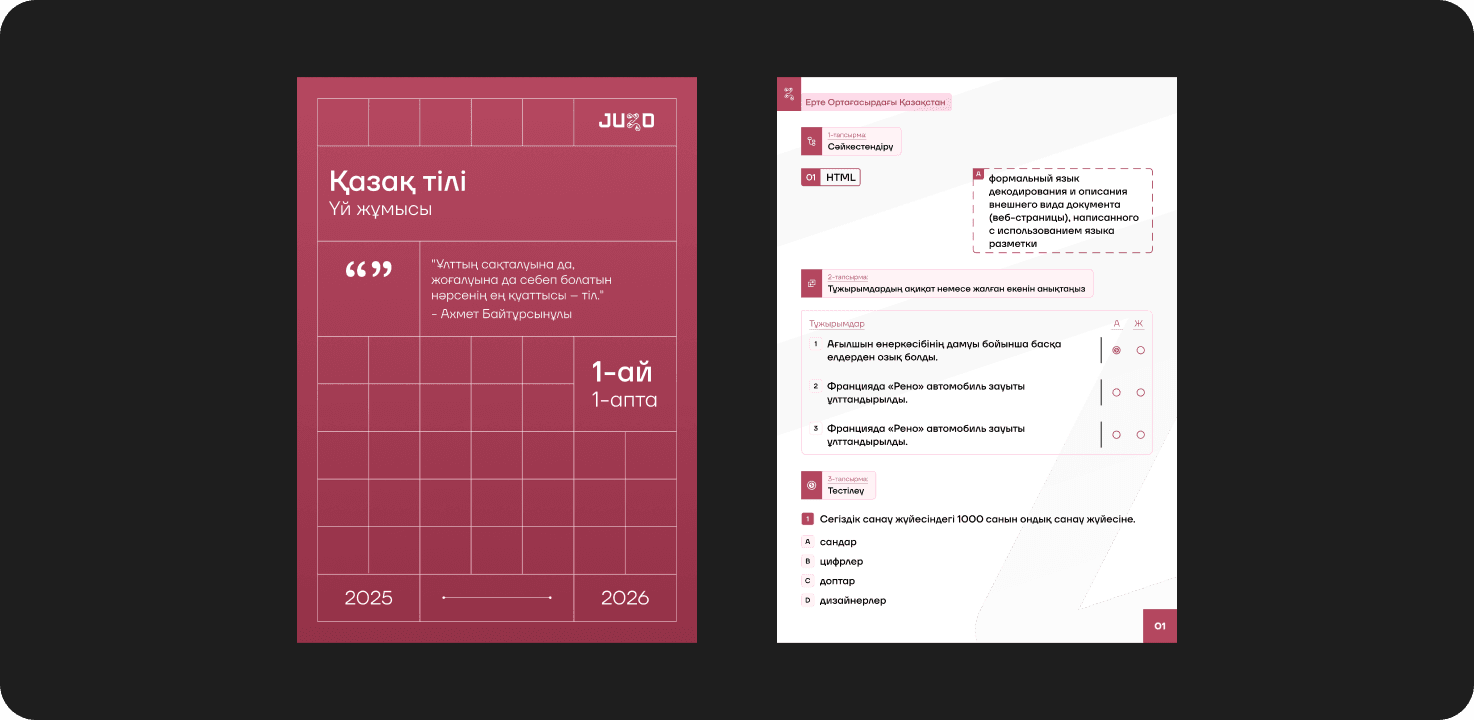
Subjects as variable modes
Problem
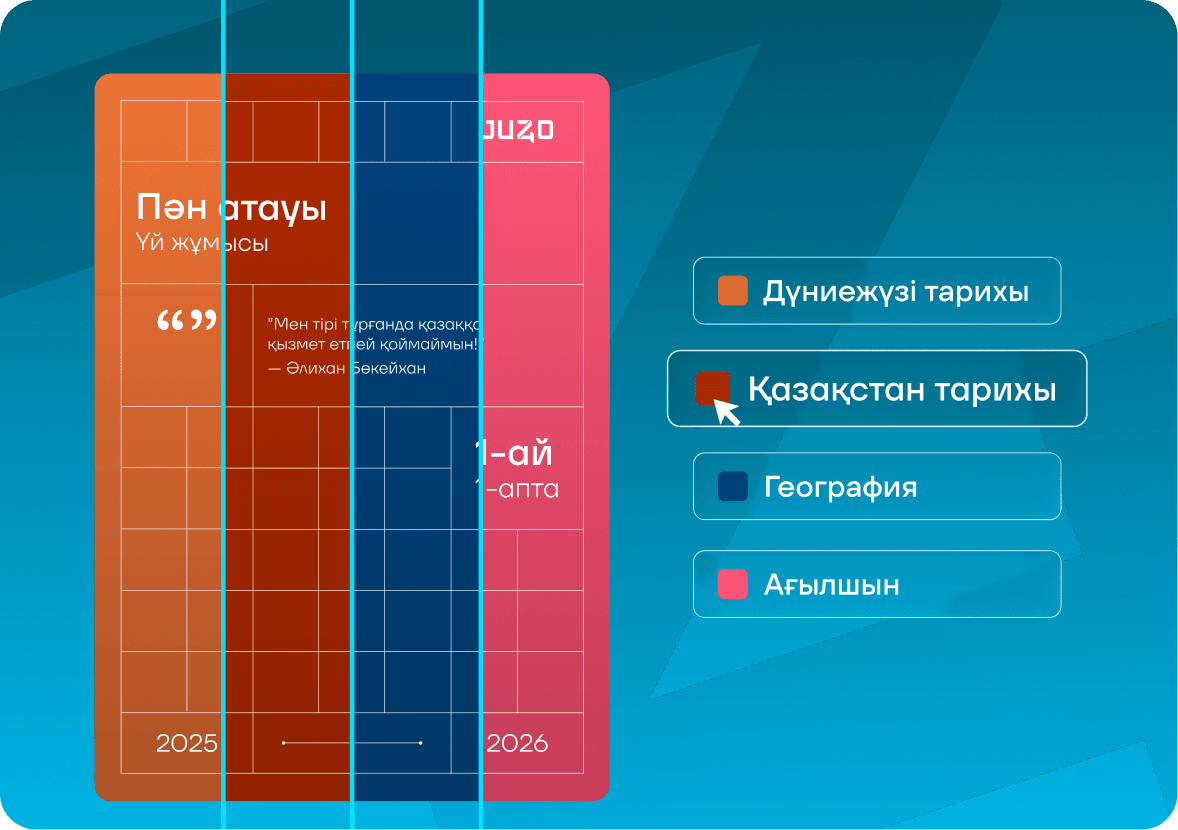
Each of the 16 subjects has its own accent colors.
Decision
Variable modes usually switch between light and dark themes. I made 16 modes, one per subject. Switch the mode right on the canvas and the material is recolored with all its accent colors.
What it gives
One component set for every subject: a change in one place reaches all 16 at once.
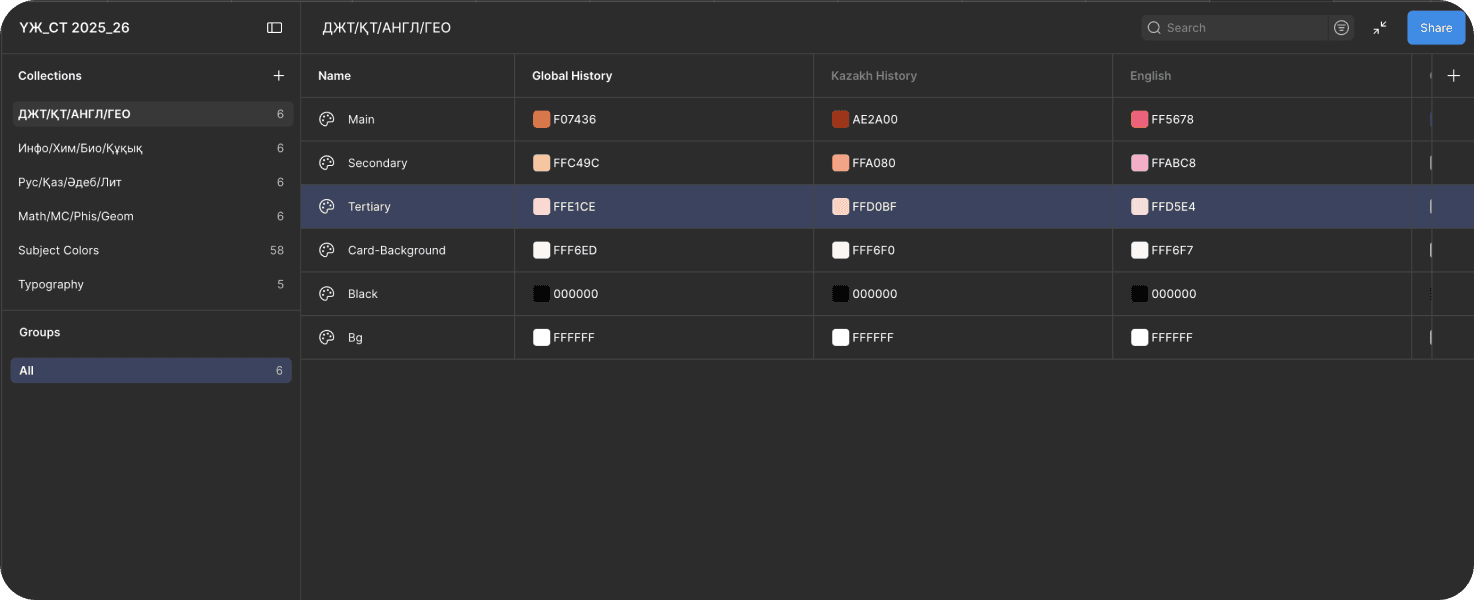
How it works
Rollout and support
How 20 people with no experience learned the system
Videos and guides
I recorded training videos and wrote guides on working with the components and subject modes.
Workshops
I ran hour-long workshops on using the system.
Support chats
In shared chats with the designers and component users, I answered questions and helped people get unstuck.
Support after launch
I didn't walk away after the rollout: I kept maintaining the system and helping the team.
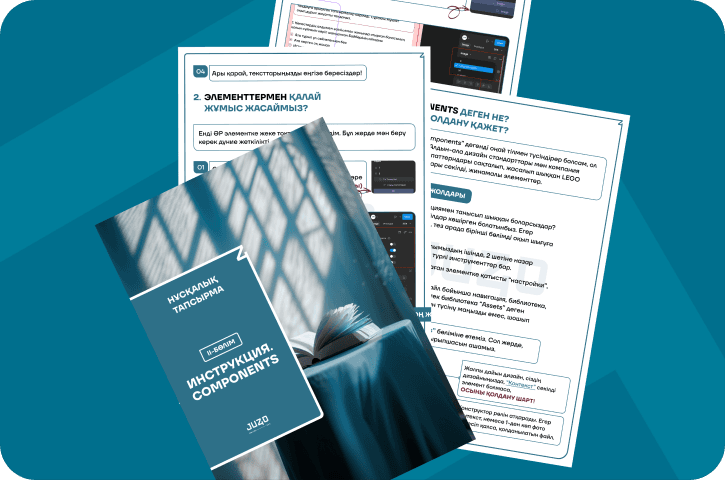
By the time I left, all 8 designers worked in the system every day, and I handled all questions about it.
Results
Time per lesson: 8 h → 4 h
One designer used to finish 1 lesson a day; now it's 2. Calculated from working hours and closed cards on the kanban board in our tracker.
Design time before a course launch: 4 → 2 mo.
Both times, draft materials arrived 4 months before the start. Design used to take that whole window; now it takes 2 months. The time freed up became a buffer for revisions and review before launch.
Headcount: 20 → 8 designers on the product
The product used to have 20 designers allocated to it; now it has 8. The Head of Design made that call based on the new pace of work: some designers were doing the work of two. The 12 people freed up moved to marketing and PR tasks.
What I learned
Automation didn't go all the way
Manual work was cut in half but didn't disappear: designers still assembled pages by hand. My next step would have been to automate assembling the workbooks themselves, so complete pages are generated right away and the time per file drops to 1–2 hours.
Systems thinking for creative people
Graphic designers are used to thinking in layouts, not components. So I rolled the system out gradually, starting with simple elements, and backed it with videos, workshops and a support chat. The takeaway: rolling out a system is 50% teaching people and only 50% the system itself.
Recognition and mentoring
Innovator of the Year
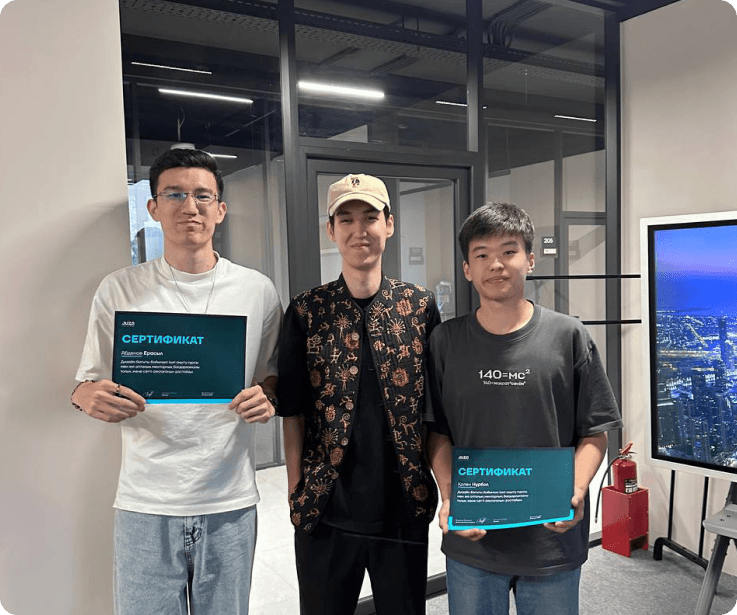
The award was presented by the company's CEO.

Mentoring
Before leaving, I spent a month mentoring three designers: two juniors and one mid-level designer, to whom I handed over support and development of the system. I taught them how to work with components, the logic behind building them, how to stay in touch with the system's users, and how to evolve and maintain existing files. The format was live sessions and task reviews. Alongside that, I brought the mid-level designer into the project I was building before I left and gave them real tasks on components and the system.