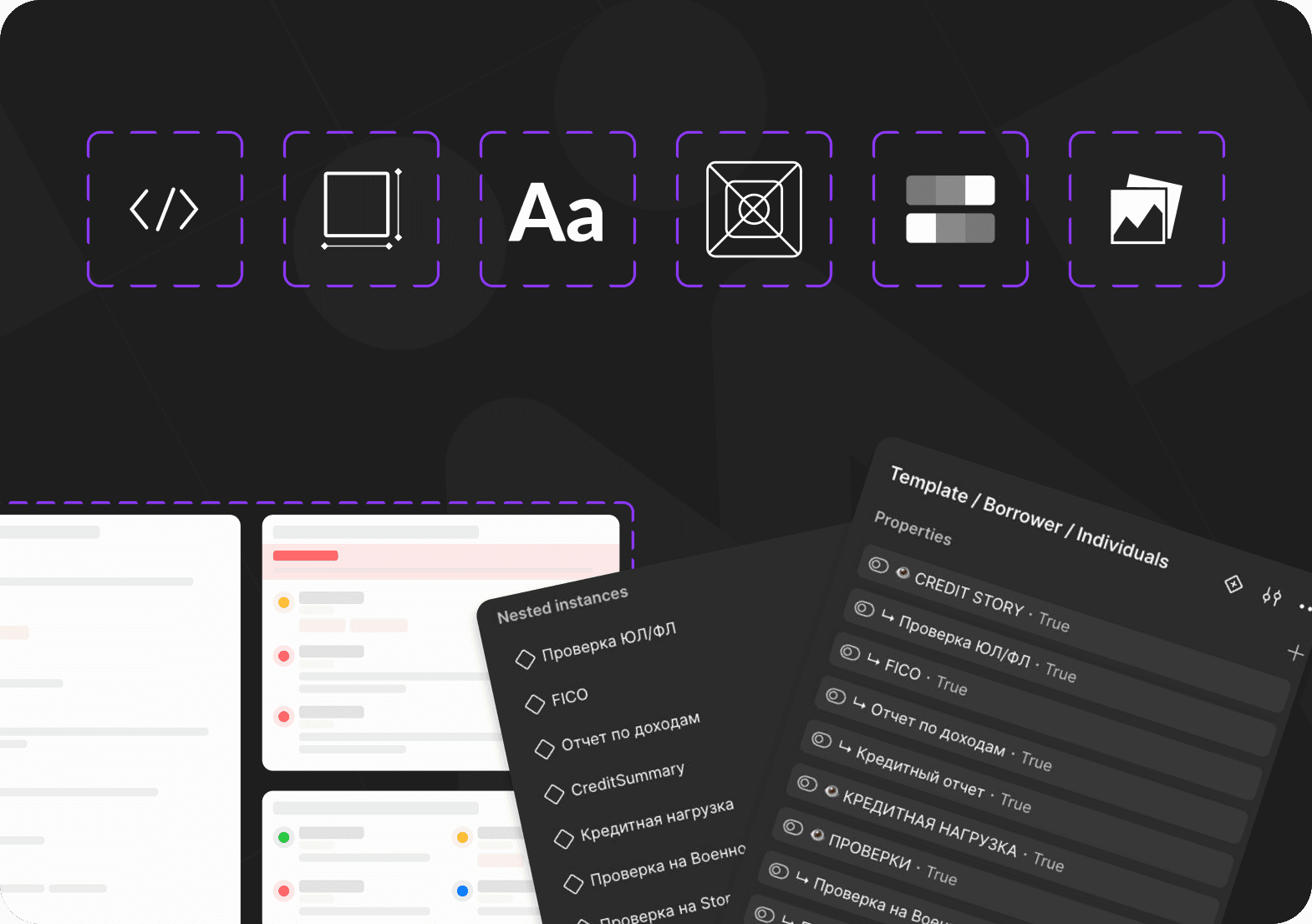
Where the system stands
3–4 mo. → 2 wk.
age of the oldest active branch
3
major BRD updates where the layer 1 AI skill is in use
1.5–3×
smaller share of file weight taken by a page with the component (test and real files)
1 of 3
layer 1 live, layer 2 prototype, layer 3 planned
Context
As a product scales, a solo-designer setup becomes a single point of failure: chaotic branches, blind spots, sloppy handoffs. I took on turning this into a managed system without a dedicated team.
Constraints
There were no ready-made references for automation in Figma, so I gathered them myself through meetups, forums, conversations with other designers and write-ups on Habr. The company didn't set aside time for this, so I improved processes alongside my product tasks. The whole effort has a 6-month deadline.
Branch hygiene
The foundation the rest of the automation depends on
Before
15–20 branches, each 3–4 months old. The delivery team could only find files through direct links.
After
10 active branches, the oldest is 2 weeks old (waiting for sign-off).
Why, and who did what
It started with requests from developers: mockups were hard to find. The Main = Prod principle came from the former design lead; I wrote the rules and rolled them out.
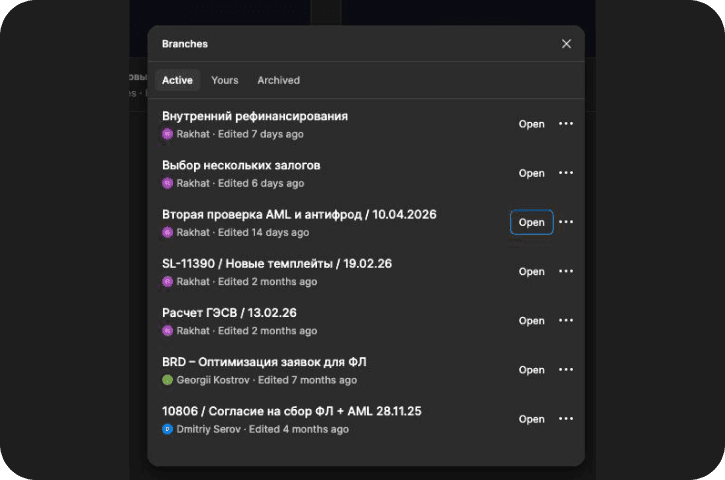
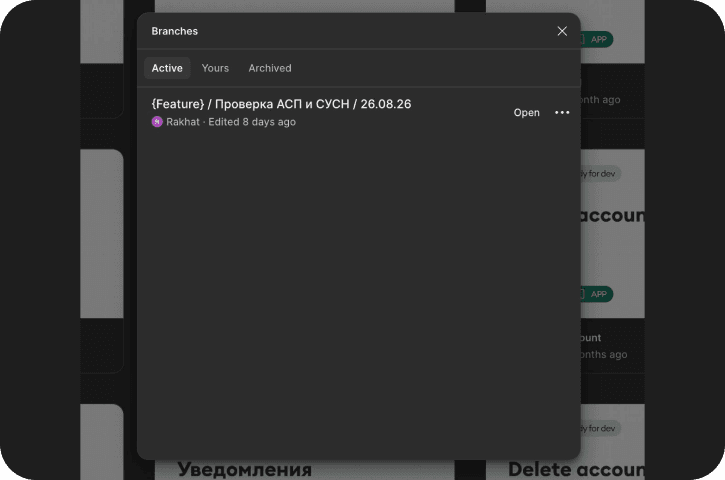
Main = Prod
Main holds only what has gone into development;
1 branch = 1 task
one branch per task, living for one sprint;
Branch names
the name carries the type of work: feature, fix, exp, refactor;
Branch cleanup
before review, update the branch from Main and clean up the file.
Hypotheses
Edge cases
Generating the different states automatically will close blind spots and reduce rework from development.
Preflight checks
AI can make mistakes and miss things. The plugin checks against strict rules and catches errors every time.
Architecture
Nested instances will reduce memory usage and the risk of the file crashing at scale.
Systemic control
A server-side audit will make review objective and independent of how attentive a person is.
Component = look + rules
Every component now has 2 parts: how it looks and when it is used.
How it looks
The component is built from nested parts, like a matryoshka doll.
Change one part and it updates everywhere, without making the file heavier.
When and how it is used
Each component comes with a description:which scenarios it appears in, what states it has and what the user sees on an error. Developers don't have to guess.
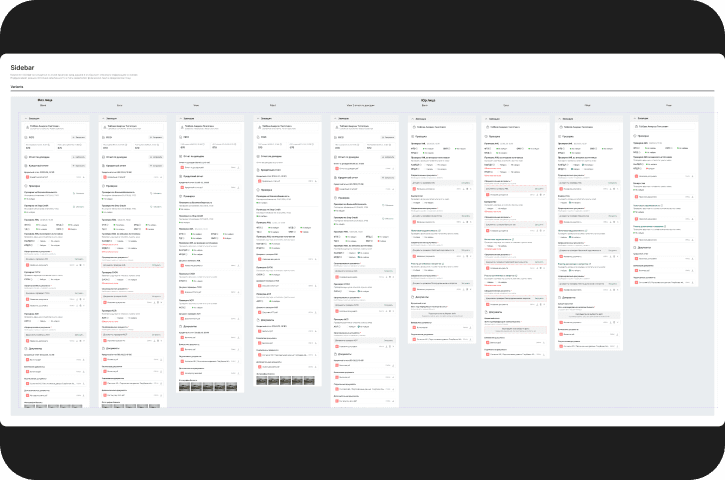
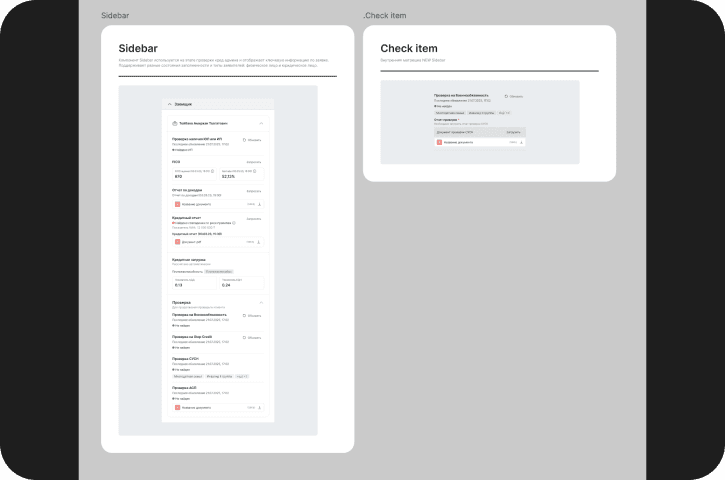
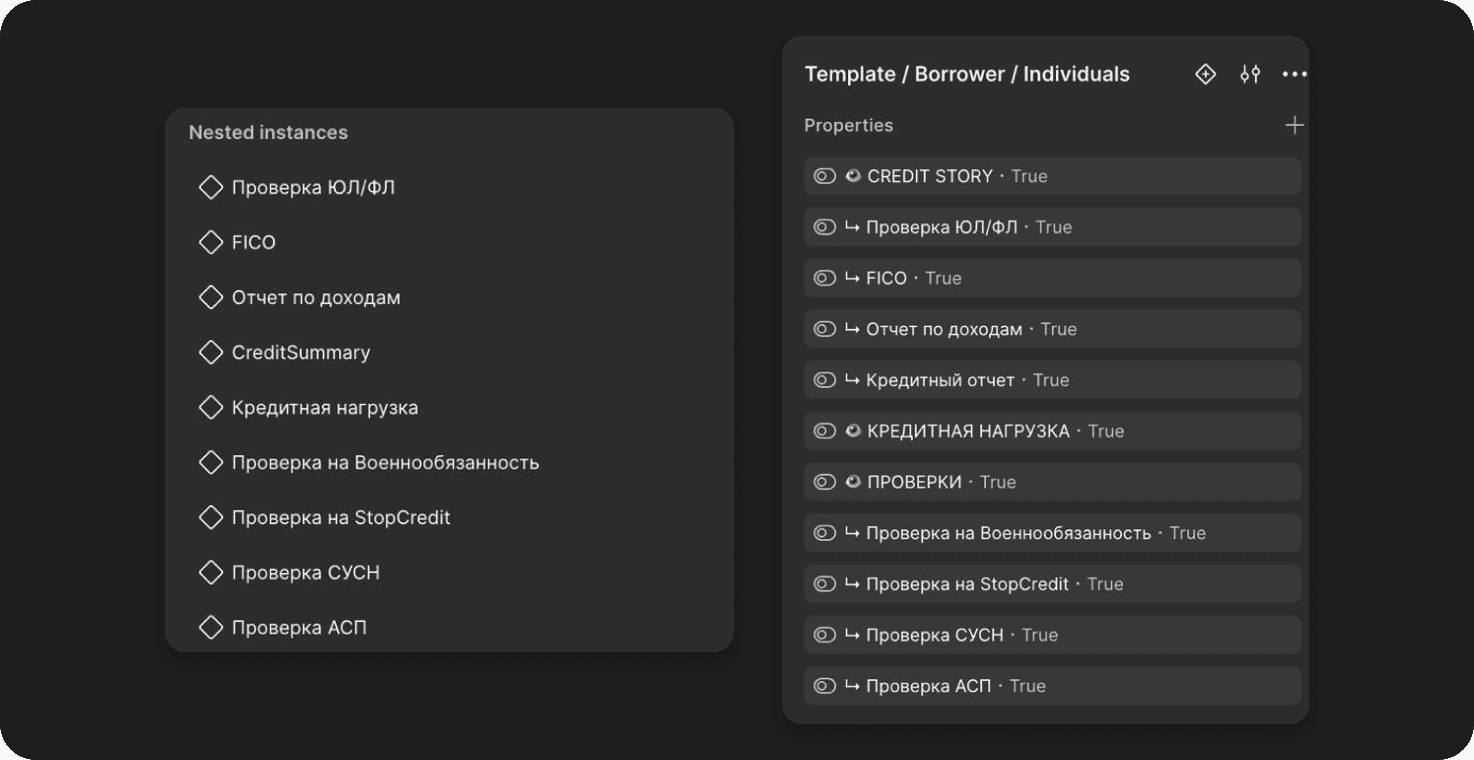
Effect on file weight
I measured the share of the total file weight taken by the page with the master component. On a test page it went from 0.2% to 0.1%. Real, large files show the effect too, roughly 1.5–3×, depending on the file. Absolute numbers are under NDA.
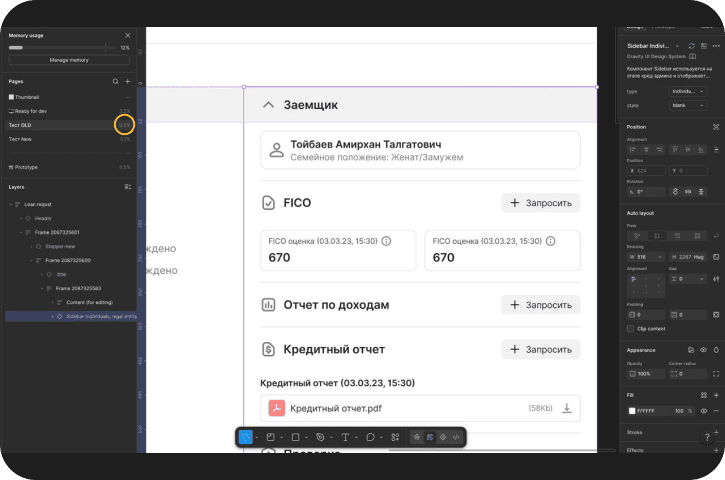
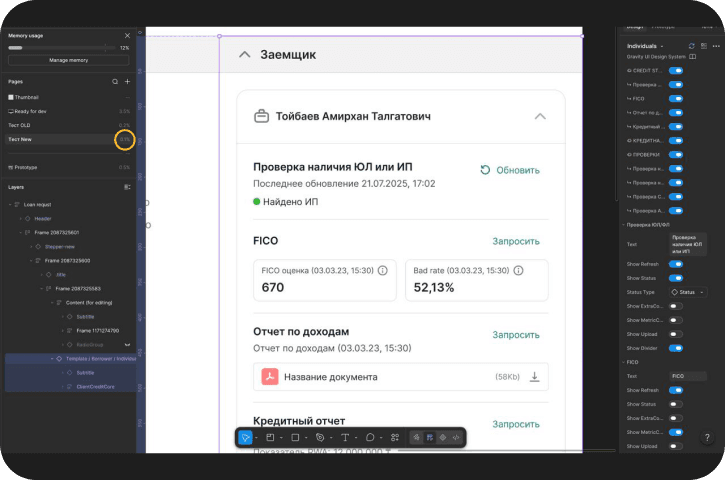
Architecture: layer status
One Rules Manifest for every layer
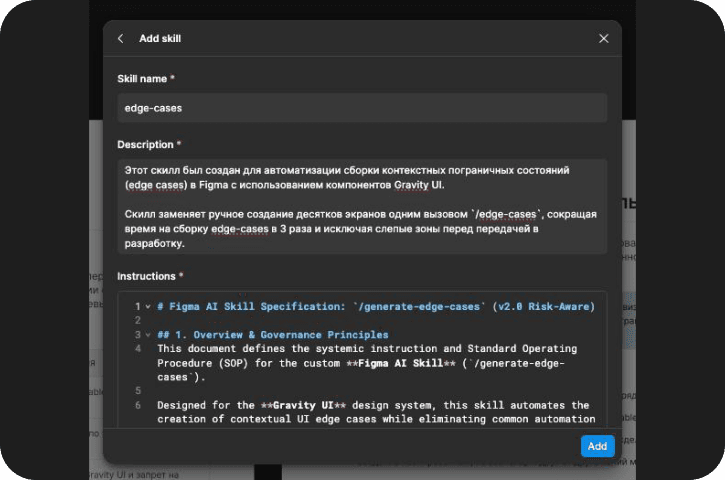
AI Skills & SOP
The /generate-edge-cases skill, built on Decision Tables, has been used on 3 major BRD updates.
Figma Plugin MVP
The code structure is in place. Definition of done: a run on 3 real cases with false positives under 5%.
Webhooks & REST API
A server-side audit when a branch reaches “Ready for review”, with a Severity Matrix in Figma comments. Work starts only once layer 2 is done.
Layer 1 in practice
What the skill caught that I missed
On one BRD update, the skill generated a page error state I hadn't planned for. Catching gaps like this is exactly what layer 1 is for: its output is built from Decision Tables and the SOP.
What about time
On a test task, the skill found 4 cases, the same ones I would have found by hand. The time saved is small. The real value is reproducibility: the result doesn't depend on how attentive the designer is, and anyone on the team gets the same set of cases.
Team and alignment
I built the system alongside product work, without a dedicated team, but not in isolation. I discussed decisions with the Product Owner and the frontend and mobile developers. The PO and the former design lead suggested ideas for where to take it: the Main = Prod principle came from the former lead, and I wrote the rules and rolled them out.
Documentation
Draft awaiting approval
I'm starting to capture the knowledge: nested-instance principles, working with Gravity UI, a step-by-step SOP for designers. The drafts are ready and sent to the Product Owner for approval. The goal is for knowledge to live in a shared tool, not in personal files.
Risks and mitigations
AI hallucinations
Decision Tables, a prompt constrained by the SOP
API event storms
Debouncing, a queue keyed by fileKey + versionId
Figma API rate limits
Caching, exponential backoff
Destructive auto-fix
Auto-fix only for direct token binding
A human makes the final call. Branches are never auto-approved: the system's report is a signal for the reviewer.
What we will measure
Edge cases
Check how much faster working through edge cases gets. Across 3 updates the time saved is small; the main effect is in reproducibility and coverage.
Zero-Return Handoff
The goal: solutions handed to delivery don't come back for rework. There is no baseline yet; the metric arrives with layers 2–3 and is tracked from launch.
Linter quality
Rule coverage: 100%. False positives under 5%. This is the definition of done for layer 2.
What I learned
No ready-made references
There were no references for DesignOps automation in Figma, so I gathered them myself: meetups, forums, talks with designers at other companies and Habr write-ups by designers from large Russian companies. I carried ideas from them into the system.
Metrics from day one
Next time I would track metrics from day one instead of reconstructing them from version history. I didn't record a baseline for rework coming back from development, so that metric is still a goal.
Roadmap
Before the deadline (2 months):
1. Layer 2. Take the plugin to MVP: a run on 3 real cases, false positives under 5%
2. Layer 3 to MVP, if layer 2 is done on time: Ready for review → Rules Engine → Severity Matrix
3. Documentation and onboarding for designers
4. First numbers for leadership, tracked from launch
Next: Soft Gates (an error in the report is grounds to reject a merge); business validation (Conversion, Task Success Rate)